Vet Visit Checklist: Prepare Pet Records with PokiPaw
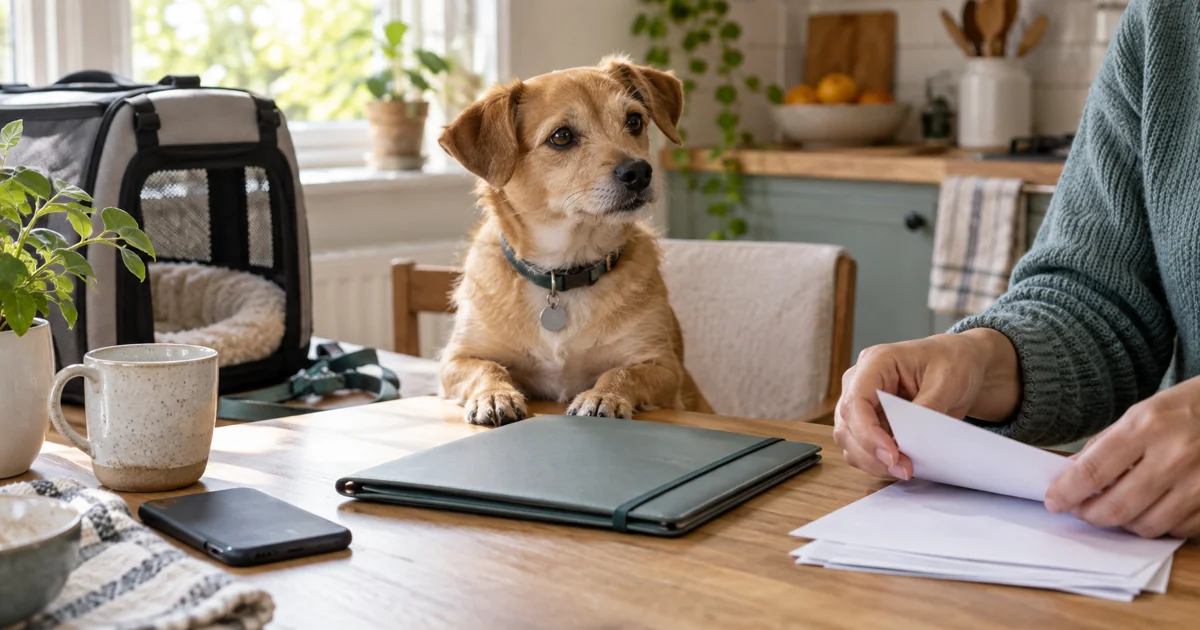
A useful veterinary appointment starts with a clear account of what happened at home. Rather than scrolling through months of messages, prepare a short summary and the original records that support it. PokiPaw can help organise the information; your veterinarian interprets it.
Start with the reason for the appointment
Write one sentence describing your main concern, followed by when you first noticed it. Separate observations from guesses: “ate half the usual breakfast on Monday and Tuesday” is more useful than “probably bored with food”. Record what changed and what remained normal.
For a routine visit, list your three most important questions. For an urgent concern, contact the clinic immediately and follow its instructions; completing a diary should never delay care.
Prepare five pieces of information
- Timeline: dates, frequency and duration of the changes you observed.
- Daily routine: food, activity, drinking and toilet habits, using quantities only when measured.
- Treatment list: names, prescribed instructions, supplements and the last administration you recorded.
- Previous documents: vaccination entries, clinic reports and laboratory results, with their dates.
- Recent changes: a new food, travel, boarding or a change in the household.
If something is uncertain, label it “unknown”. Do not turn an estimate into a precise measurement. The pet diary guide helps you decide which observations to record between appointments.
Use the right PokiPaw PDF report
PokiPaw’s report service supports PDF exports for the journal, medical history and medications, as well as expenses and tracking data. Pick the report relevant to the appointment and review its selected period before sharing. A journal summary explains a sequence of events; a treatment report helps you bring the medication history.
Check that you selected the correct pet. Open the exported file yourself and check the names, dates and any missing entries. Bring the original clinic documents too: an owner-maintained PDF is not a replacement for the veterinarian’s full clinical record.
Send a short, readable handoff
Ask the clinic whether it accepts files in advance and which channel it prefers. Share only the information needed for the visit. Avoid a public link containing your address or unrelated family information. Keep a copy available on your phone and consider paper if the clinic requests it.
You can use this summary template: “Main concern: __. First noticed: __. Changes observed: __. Current treatments: __. Questions: __.” Attach supporting reports after this summary, rather than expecting the clinic to reconstruct the story from every entry.
Close the loop after the appointment
Record the veterinarian’s actual instructions, the follow-up date and questions still unanswered. Check any medication schedule against the prescription before setting reminders. Read our medication tracking guide for organisation tips, and ask the clinic about any unclear dose or missed administration.
Can the report diagnose my pet? No. It communicates your records and observations. It does not establish a diagnosis or recommend treatment.
Ready to simplify your pet care?
Join thousands of pet owners using PokiPaw to track health, expenses, and daily routines.
Try PokiPaw Free